
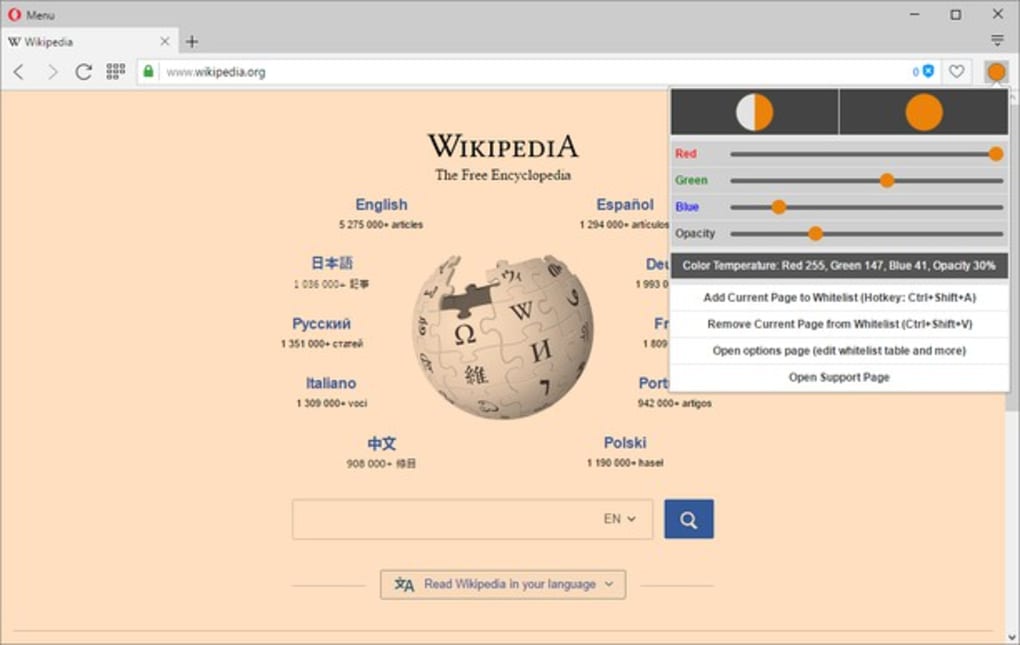

Screen color temperature tool Color Temperature (Change Lux) is a free add-on developed by the open-source community, MyBrowserAddon. This web browser utility helps change the color temperature of screens. This feature dynamically adjusts depending on the time of day.
Just like with F.lux , the main goal of Color Temperature (Change Lux) is to help reduce eye strain when staring at computer screens for long periods. It does this by changing the temperature from cool to warm to make it easier to view during the day and at night, respectively. How does it work exactly?
The blue light that our screens have suppresses the production of melatonin , a hormone that helps induce sleep at night. As such, you can think of Color Temperature (Change Lux) as something that acts as a blue light filter . This add-on can be used with a lot of popular web browsers today to help you adjust the color temperature of your screens to negate the effects blue light has.
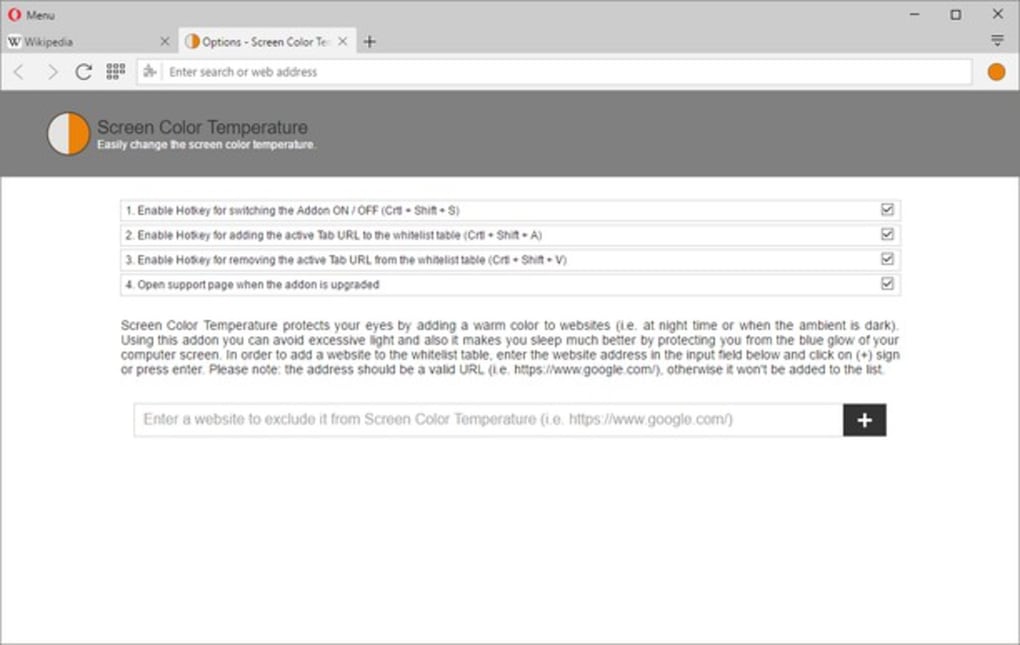
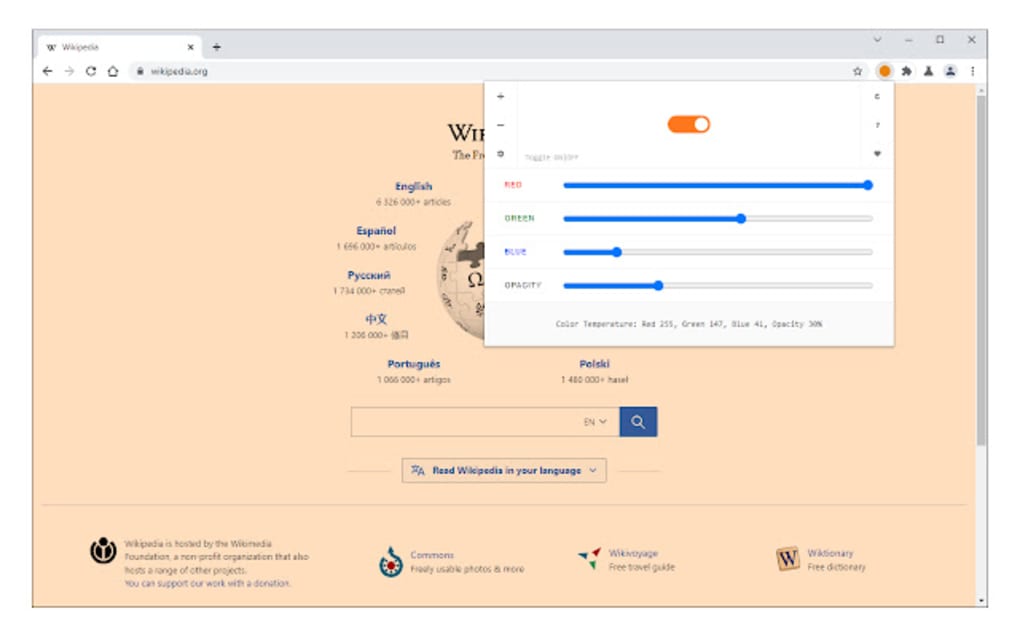
It can be used to adjust the color temperature of your screen from cool to warm by changing RGB color values depending on your preference. Doing so reduces the amount of bright blue light that you see. While this setting can be applied globally , on all websites you will visit, there is a whitelist function that lets you add certain websites that you want to be exempted from.
Lastly, you can utilize hotkeys to trigger functions of Color Temperature. Whether it's to turn it on and off or to add or remove a website from your whitelist, there is a keyboard shortcut for it. One thing to note, though, is that they are not user-definable .
Thus, you will need to familiarize yourself with key combinations as set by the utility. Protect your eyes from strain If you're the type of person who spends a lot of time throughout the day in front of your computer, you might want to consider using Color Temperature (Change Lux) on your browser. It helps reduce some of the eye strain associated with too much exposure to blue light.
As a benefit, it also helps you sleep better and more easily at night. Highly recommended.



.png)



